Multi-touch geometry
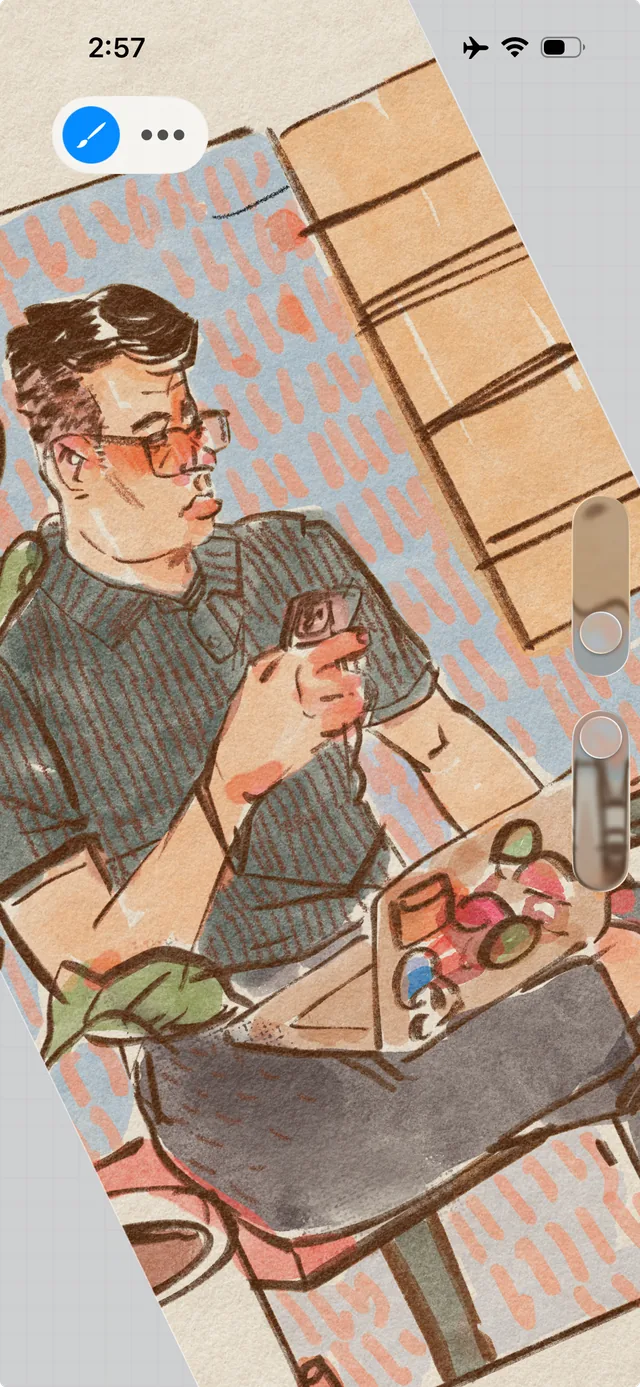 The tilted image reflects canvas rotation rather than stroke rotation
Procreate PocketProcreate Pocket: the canvas is rotated with a two-finger gesture
- The tilted image reflects canvas rotation rather than stroke rotation
Two contacts set scale and rotation. In Procreate Pocket fingers zoom the canvas and rotate it to a comfortable drawing angle.
Design tips
- Avoid jumps in center, scale or angle when the contact count changes.