---
key: mechanic/phone-touch--family-07
type: mechanic
id: phone-touch--family-07
lang: en
title: Surface interactions
summary: >-
Moving across a region changes its contents. In Procreate Pocket the same
gesture paints, smudges or erases according to the selected tool.
updatedAt: '2026-10-22'
status: active
url: 'https://gamemechanics.pro/en/knowledge/mechanic/phone-touch--family-07/'
jsonUrl: >-
https://gamemechanics.pro/api/v1/knowledge/en/mechanic/phone-touch--family-07.json
markdownUrl: >-
https://gamemechanics.pro/content/knowledge/en/mechanic/phone-touch--family-07.md
aliases: []
tags:
- Phone touchscreen interactions
- Mechanics catalog
sourceIds:
- source-9f699935c52f4076
sources:
- id: source-9f699935c52f4076
title: Procreate Pocket
url: 'https://help.procreate.com/pocket/handbook/interface-gestures/interface'
verifiedAt: null
relations: []
placements:
- catalogId: phone-touch
id: family-07
title: Phone touchscreen interactions
url: 'https://gamemechanics.pro/en/mechanics/phone-touch/#family-07'
categoryIds:
- section-1
supersededBy: []
attributes:
preview:
updatedAt: '2026-10-22'
title: Surface interactions
description: >-
Moving across a region changes its contents. In Procreate Pocket the same
gesture paints, smudges or erases according to the selected tool.
image:
src: images/mechanics/touch-pocket-interface-1.webp
width: 640
height: 1387
crop:
x: 0
'y': 80
width: 640
height: 900
game: Procreate Pocket
sourceUrl: 'https://help.procreate.com/pocket/handbook/interface-gestures/interface'
originalUrl: >-
https://cdn.sanity.io/images/skm640rd/production/b02387ad9c976f389db133d48dadfcd5ce0adce7-1179x2556.png?auto=format&auto=format&w=640
credit: Savage Interactive
rights: >-
© Savage Interactive. Developer-distributed app screenshot; all rights
reserved. Excluded from MIT and CC BY 4.0.
caption: 'Procreate Pocket: paint, smudge and erase change a stroke’s meaning'
alt: 'Procreate Pocket: paint, smudge and erase change a stroke’s meaning'
markers:
- x: 40
'y': 10
label: The eraser changes the surface along the contact path
tips:
- Show the active tool and allow the latest change to be undone.
examples:
- title: Procreate Pocket
url: >-
https://help.procreate.com/pocket/handbook/interface-gestures/interface
endsAt: null
provenance: >-
Original editorial design catalog consolidated from project discussions on
2026-10-20. Complete discussion item lists and contextual limitations are
preserved; linked primary sources support specific techniques, not the entire
classification. English translation was prepared with machine assistance and
editorial review.
license: CC-BY-4.0
codeLicense: MIT
attribution: gamemechanics.pro contributors
catalogKey: catalog/phone-touch
---
# Surface interactions
id: phone-touch--family-07
type: mechanic
key: mechanic/phone-touch--family-07
lang: en
status: active
url: https://gamemechanics.pro/en/knowledge/mechanic/phone-touch--family-07/
Moving across a region changes its contents. In Procreate Pocket the same gesture paints, smudges or erases according to the selected tool.
## At a glance
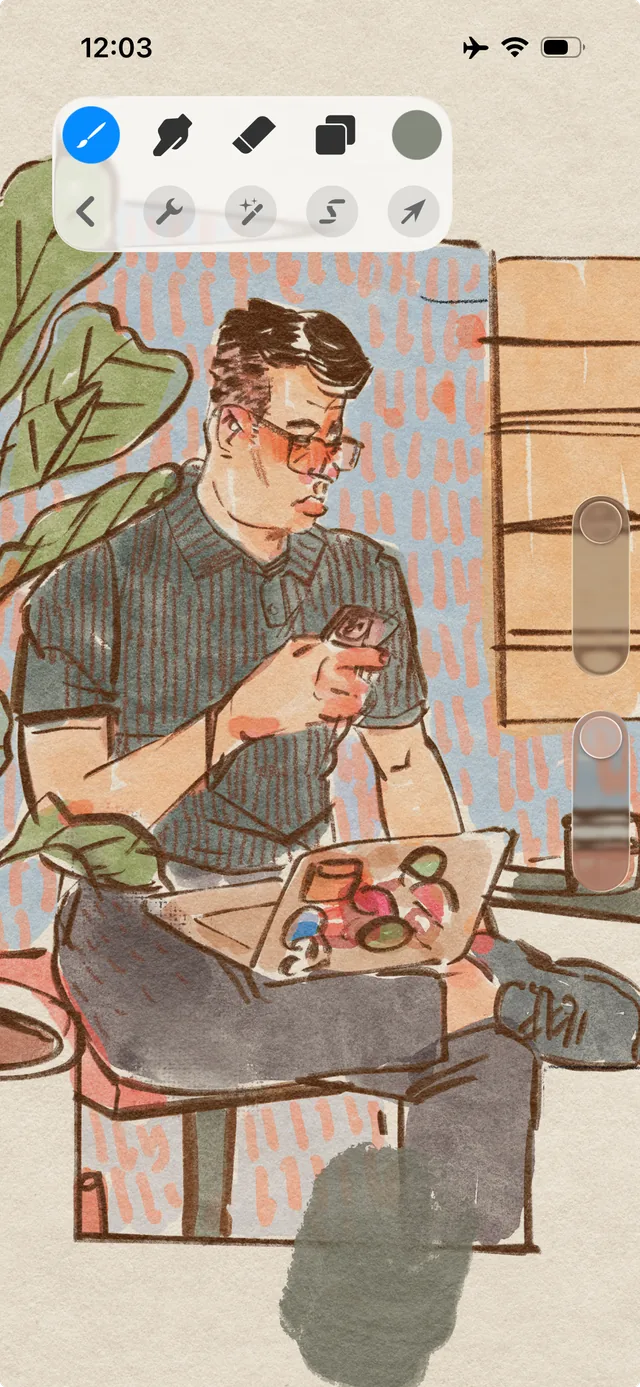
[Procreate Pocket](https://help.procreate.com/pocket/handbook/interface-gestures/interface) · © Savage Interactive. Developer-distributed app screenshot; all rights reserved. Excluded from MIT and CC BY 4.0.
1. The eraser changes the surface along the contact path
- Show the active tool and allow the latest change to be undone.
- [Procreate Pocket](https://help.procreate.com/pocket/handbook/interface-gestures/interface)
## How it works
Repeated movements change the surface area: erase, clean, cover or reveal it.
## Variants
### Variants and applications
- Erasing the top layer. Type: Touch. Fingers: 1. Rule: Under the finger or hand, the mask is removed and the contents are revealed. Application: Scratch the ticket, clear the card, reveal the hidden inscription.
- Removing material. Type: Touch. Fingers: 1. Rule: Movement removes part of the game substance or object. Application: Erase a drawing, dig a tunnel, clear a rubble.
- Applying a layer. Type: Touch. Fingers: 1. Rule: The trajectory changes the color, coating or properties of the surface. Application: Paint, apply protection, cover the ground with ice or fire.
- Moving material with a brush. Type: Touch. Fingers: 1. Rule: Movement redistributes the already existing substance. Application: Smear paint, rake sand, move foam, distribute cream.
- Rubbing. Type: Touch. Fingers: 1. Rule: Repeated passes accumulate the effect in the area. Application: Warm up the object by friction, polish the stone, remove rust.
- Directed processing. Type: Touch. Fingers: 1. Rule: Passes with the required direction or speed are counted. Application: Clean along the grain, comb, sharpen the blade, smooth out folds.
- Circular mixing. Type: Touch. Fingers: 1. Rule: Revolutions and direction of movement change the state of the mixture. Application: Stir the potion, wind the thread, run a hand centrifuge.
- Reciprocating work. Type: Touch. Fingers: 1. Rule: Full strokes between control positions are counted. Application: Sawing, pumping bellows, using a file, driving a pump.
## Context and limits
Author's working classification for designing games and interactions. Options can overlap and combine; the list is not a generally accepted standard or proven exhaustive list. Application examples are conditional unless a specific verifiable observation is indicated nearby. Sources support individual techniques and technical limitations.
## Connected materials
## Sources and provenance
Original editorial design catalog consolidated from project discussions on 2026-10-20. Complete discussion item lists and contextual limitations are preserved; linked primary sources support specific techniques, not the entire classification. English translation was prepared with machine assistance and editorial review.
- [Procreate Pocket](https://help.procreate.com/pocket/handbook/interface-gestures/interface) (id: source-9f699935c52f4076)
CC-BY-4.0 · gamemechanics.pro contributors