---
key: mechanic/phone-haptics--family-utility
type: mechanic
id: phone-haptics--family-utility
lang: en
title: Daily tasks and productivity
summary: >-
A short cue makes state changes noticeable without constant visual checking.
Procreate Pocket uses it to confirm a slider’s mode change.
updatedAt: '2026-10-22'
status: active
url: 'https://gamemechanics.pro/en/knowledge/mechanic/phone-haptics--family-utility/'
jsonUrl: >-
https://gamemechanics.pro/api/v1/knowledge/en/mechanic/phone-haptics--family-utility.json
markdownUrl: >-
https://gamemechanics.pro/content/knowledge/en/mechanic/phone-haptics--family-utility.md
aliases:
- Everyday tasks
tags:
- Phone haptics
- Mechanics catalog
sourceIds:
- source-9f699935c52f4076
sources:
- id: source-9f699935c52f4076
title: Procreate Pocket
url: 'https://help.procreate.com/pocket/handbook/interface-gestures/interface'
verifiedAt: null
relations: []
placements:
- catalogId: phone-haptics
id: family-utility
title: Phone haptics
url: 'https://gamemechanics.pro/en/mechanics/phone-haptics/#family-utility'
categoryIds:
- section-1
supersededBy: []
attributes:
preview:
updatedAt: '2026-10-22'
title: Everyday tasks
description: >-
A short cue makes state changes noticeable without constant visual
checking. Procreate Pocket uses it to confirm a slider’s mode change.
image:
src: images/mechanics/touch-pocket-interface-0.webp
width: 640
height: 1387
crop:
x: 350
'y': 420
width: 290
height: 510
game: Procreate Pocket
sourceUrl: 'https://help.procreate.com/pocket/handbook/interface-gestures/interface'
originalUrl: >-
https://cdn.sanity.io/images/skm640rd/production/0de741e2b23abb6d5e0756a214d621a945bc35bd-1179x2556.png?auto=format&auto=format&w=640
credit: Savage Interactive
rights: >-
© Savage Interactive. Developer-distributed app screenshot; all rights
reserved. Excluded from MIT and CC BY 4.0.
caption: 'Procreate Pocket: the lower slider confirms a mode change with haptics'
alt: 'Procreate Pocket: the lower slider confirms a mode change with haptics'
markers:
- x: 94
'y': 53
label: Holding switches Pressure/Opacity with a tactile cue
tips:
- >-
Reserve feedback for useful events so constant vibration does not weaken
its meaning.
examples:
- title: Procreate Pocket
url: >-
https://help.procreate.com/pocket/handbook/interface-gestures/interface
endsAt: null
provenance: >-
Original editorial design catalog consolidated from project discussions on
2026-10-20. Complete discussion item lists and contextual limitations are
preserved; linked primary sources support specific techniques, not the entire
classification. English translation was prepared with machine assistance and
editorial review.
license: CC-BY-4.0
codeLicense: MIT
attribution: gamemechanics.pro contributors
catalogKey: catalog/phone-haptics
---
# Daily tasks and productivity
id: phone-haptics--family-utility
type: mechanic
key: mechanic/phone-haptics--family-utility
lang: en
status: active
url: https://gamemechanics.pro/en/knowledge/mechanic/phone-haptics--family-utility/
A short cue makes state changes noticeable without constant visual checking. Procreate Pocket uses it to confirm a slider’s mode change.
## At a glance
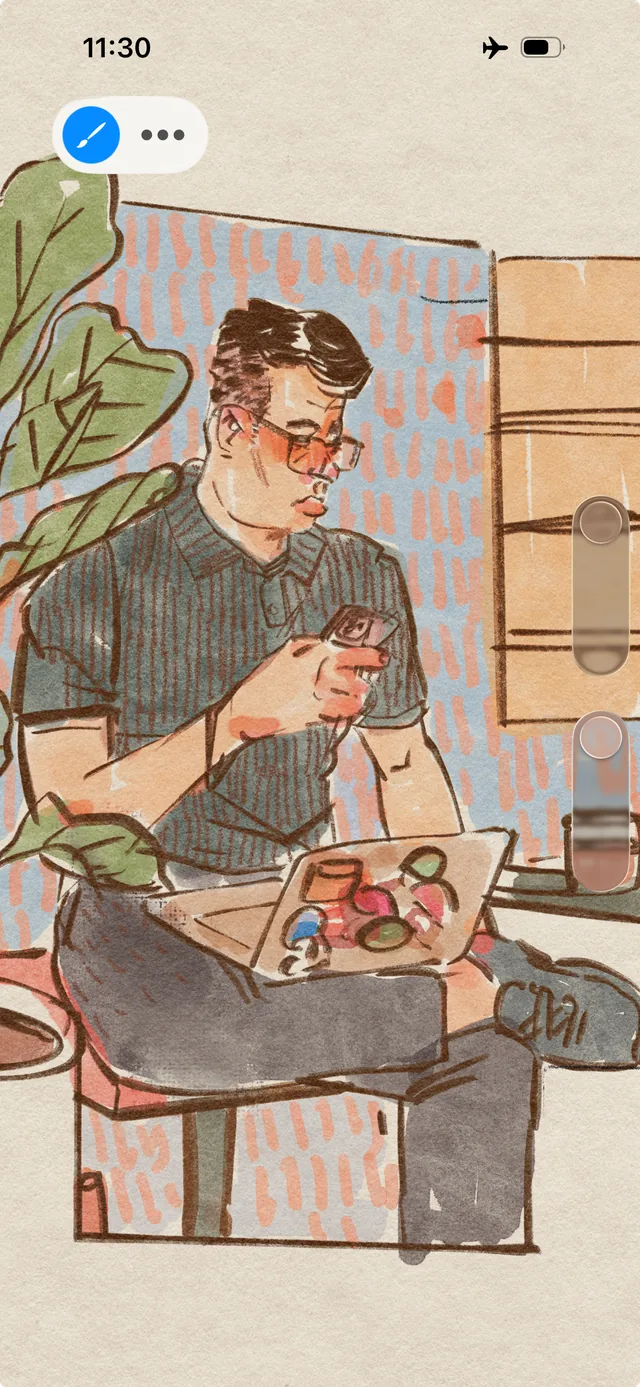
[Procreate Pocket](https://help.procreate.com/pocket/handbook/interface-gestures/interface) · © Savage Interactive. Developer-distributed app screenshot; all rights reserved. Excluded from MIT and CC BY 4.0.
1. Holding switches Pressure/Opacity with a tactile cue
- Reserve feedback for useful events so constant vibration does not weaken its meaning.
- [Procreate Pocket](https://help.procreate.com/pocket/handbook/interface-gestures/interface)
## How it works
The signal saves you from looking at the screen and helps you notice the state of the action.
## Variants
### Variants and applications
- Notification by category. Role: Application. Features: Basic impulses. Enter: notifications. Rule: Different events receive several distinct patterns, allowing you to decide whether to look at the screen. Application: Call, message, reminder, task event. Limitations: Background notifications use system mechanisms; User settings take precedence.
- Quiet timer. Role: Application. Features: Basic impulses. Input: timer. Rule: At the end of the interval, a short noticeable series occurs; repeat is possible until confirmation. Application: Kitchen, focus session, performance. Limitations: Do not promise complete silence: the motor can be heard, especially on the table.
- Presenter tips. Role: Application. Features: Basic impulses. Input: timer. Rule: Pre-arranged series mark the remainder of the time and transition between parts of the performance. Application: Rehearsal, interview, presentation. Limitations: Patterns are planned before the performance; signals should not require complex calculations.
- Interval cycle. Role: Application. Features: Basic impulses. Input: timer. Rule: Different series indicate work, rest and the end of the next cycle. Application: Pomodoro, household tasks, game training. Limitations: To work with a locked screen, you need to check the platform script.
- Text input feedback. Role: Application. Features: Basic impulses. Input: touch. Rule: Short responses accompany input, deletion, or acceptance of autocorrect. Application: Keyboard, short form, code input. Limitations: Frequent impulses can be tiring; follow the system keyboard settings.
- Scan confirmation. Role: Application. Features: Basic impulses. Input: camera, NFC. Rule: Successful reading of a code or tag triggers a pulse, allowing you to move on to the next object. Application: Warehouse, tickets, inventory, collections. Limitations: A read signal does not mean successful payment or sending of data without separate confirmation.
- Achieving the target value. Role: Application. Features: Basic impulses. Input: drag and drop, data. Rule: A pulse indicates that the manual tuning has reached a specified value or range. Application: Shutter speed, size, number of repetitions, audio parameter. Limitations: The source of the value must be reliable; Do not confuse setting with real measurement.
- Transition to the instruction stage. Role: Application. Features: Basic impulses. Input: touch, timer. Rule: A short signal marks the completion of a step and the readiness of the next one. Application: Recipe, assembly, educational process. Limitations: Automatic transition is only possible with a confirmed event or an understandable timer.
- Tactile note in the recording. Role: Application. Features: Basic impulses. Input: touch. Rule: A pulse confirms that a mark has been added to audio or video without requiring a long glance. Applications: Interviews, field recordings, bookmarks. Limitations: Vibration may enter the microphone or shake the frame; check the recording script.
- Status reminder. Role: Application. Features: Basic impulses. Input: status. Rule: A rare signal indicates a really changed state: the connection is lost, the device is ready, the task is completed. Application: Remote control, connecting an accessory, long-term operation. Limitations: Do not use frequent repetitions for events that a person cannot currently influence.
## Context and limits
Author's systematization: 160 cards in 16 groups. These are mechanics, feedback techniques, applications and experimental extensions, not 160 independent physical effects. Design examples are hypothetical, not statements about the released games that used them.
## Connected materials
## Sources and provenance
Original editorial design catalog consolidated from project discussions on 2026-10-20. Complete discussion item lists and contextual limitations are preserved; linked primary sources support specific techniques, not the entire classification. English translation was prepared with machine assistance and editorial review.
- [Procreate Pocket](https://help.procreate.com/pocket/handbook/interface-gestures/interface) (id: source-9f699935c52f4076)
CC-BY-4.0 · gamemechanics.pro contributors