---
key: mechanic/mouse--family-drag
type: mechanic
id: mouse--family-drag
lang: en
title: Dragging and placement
summary: >-
Pressing grabs an object or connection, movement sets its new position and
release completes the move or change.
updatedAt: '2026-10-22'
status: active
url: 'https://gamemechanics.pro/en/knowledge/mechanic/mouse--family-drag/'
jsonUrl: 'https://gamemechanics.pro/api/v1/knowledge/en/mechanic/mouse--family-drag.json'
markdownUrl: 'https://gamemechanics.pro/content/knowledge/en/mechanic/mouse--family-drag.md'
aliases:
- Grabbing and dragging
tags:
- Mouse interactions
- Applied Mechanics
sourceIds:
- source-a088527490edebae
sources:
- id: source-a088527490edebae
title: Mini Metro
url: 'https://store.steampowered.com/app/287980/'
verifiedAt: null
relations: []
placements:
- catalogId: mouse
id: family-drag
title: Mouse interactions
url: 'https://gamemechanics.pro/en/mechanics/mouse/#family-drag'
categoryIds:
- section-2
supersededBy: []
attributes:
preview:
updatedAt: '2026-10-22'
title: Grabbing and dragging
description: >-
Pressing grabs an object or connection, movement sets its new position and
release completes the move or change.
image:
src: images/mechanics/interface-mini-metro-00.webp
width: 1440
height: 810
game: Mini Metro
sourceUrl: 'https://store.steampowered.com/app/287980/'
originalUrl: >-
https://shared.akamai.steamstatic.com/store_item_assets/steam/apps/287980/ss_c7bc5df7e606504709e9f53ff9c7584ac4c01b18.1920x1080.jpg?t=1724386220
credit: Dinosaur Polo Club / Dinosaur Polo Club
rights: >-
© Dinosaur Polo Club / Dinosaur Polo Club. All rights reserved. Excluded
from MIT and CC BY 4.0.
caption: 'Mini Metro: colored lines connect differently shaped stations'
alt: 'Mini Metro: colored lines connect differently shaped stations'
markers:
- x: 46
'y': 47
label: Connections define train routes and transfers
tips:
- Allow dragging to be cancelled and show valid drop locations.
examples:
- title: Mini Metro
url: 'https://store.steampowered.com/app/287980/'
endsAt: null
provenance: >-
Original editorial design catalog consolidated from project discussions on
2026-10-20. Complete discussion item lists and contextual limitations are
preserved; linked primary sources support specific techniques, not the entire
classification. English translation was prepared with machine assistance and
editorial review.
license: CC-BY-4.0
codeLicense: MIT
attribution: gamemechanics.pro contributors
catalogKey: catalog/mouse
---
# Dragging and placement
id: mouse--family-drag
type: mechanic
key: mechanic/mouse--family-drag
lang: en
status: active
url: https://gamemechanics.pro/en/knowledge/mechanic/mouse--family-drag/
Pressing grabs an object or connection, movement sets its new position and release completes the move or change.
## At a glance
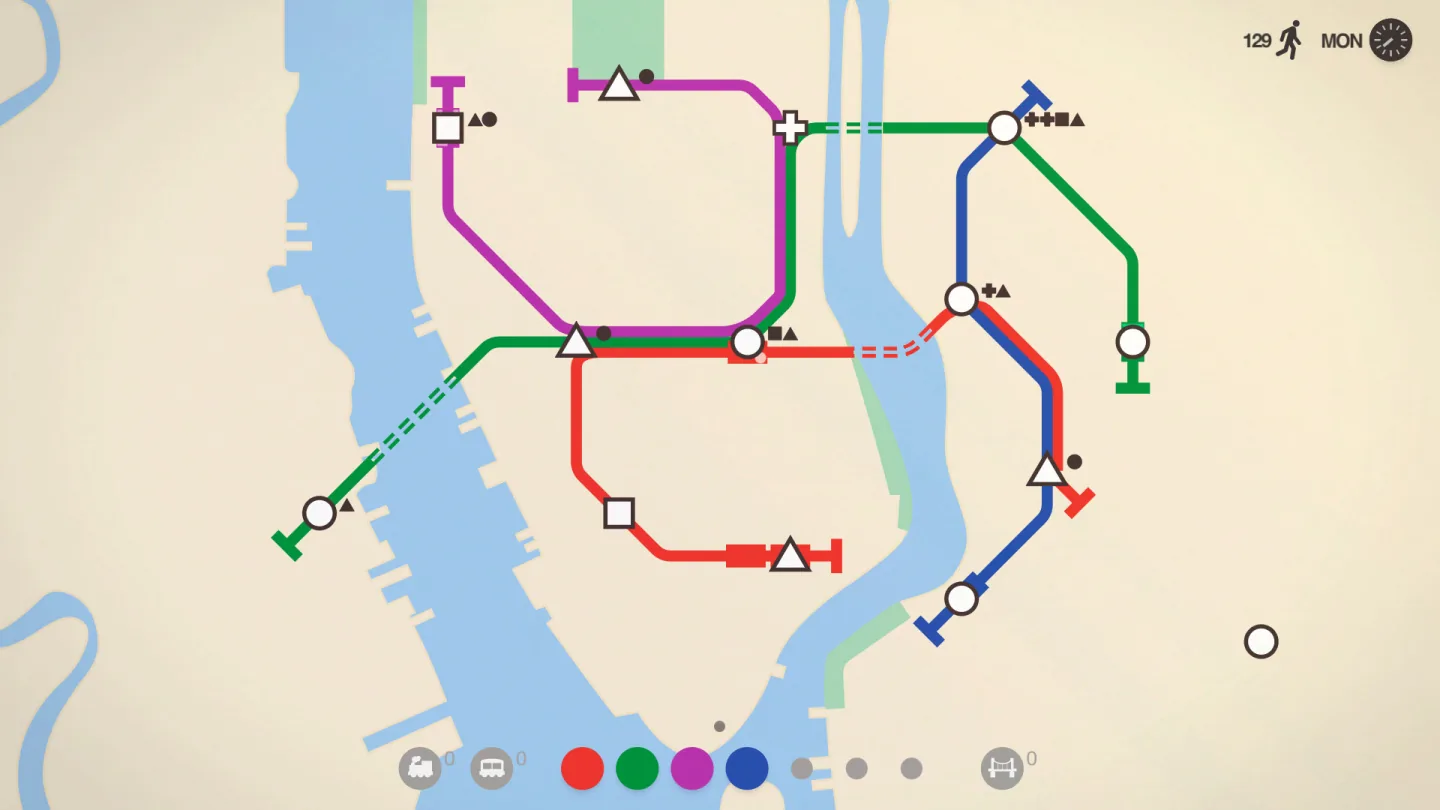
[Mini Metro](https://store.steampowered.com/app/287980/) · © Dinosaur Polo Club / Dinosaur Polo Club. All rights reserved. Excluded from MIT and CC BY 4.0.
1. Connections define train routes and transfers
- Allow dragging to be cancelled and show valid drop locations.
- [Mini Metro](https://store.steampowered.com/app/287980/)
## How it works
The pointer grabs an object or a representation of it, and the position and release location specify the result.
## Variants
### Variants and applications
- Free movement. Action: Grab an object, move it and release it. Application: Windows, cards, objects on the table, level elements. Conditions: A start threshold is needed so that small movements do not cancel the click.
- Transfer to the target area. Action: Drag an object to a valid recipient. Application: Equipment, sorting files, applying an item to an object. Conditions: Highlight the validity and explain the refusal.
- Drag and drop sorting. Action: Move an element to a new location in the ordered set. Application: Deck, task queue, layer list, production queue. Conditions: Show the insertion position, not just the position of the dragged copy.
- Transfer between slots. Action: Drag an item from one cell to another. Application: Inventory, equipment, quick access panel. Conditions: Set the rules for exchange, combination and occupied slot.
- Splitting the stack. Action: Start transferring part of the set with a modifier or selecting quantity. Application: Divide resources, ammo, goods. Conditions: Before completion, show how much will remain in the source.
- Duplication by transfer. Action: Drag with copy command. Application: Cloning parts, re-positioning objects, copying clips. Conditions: Visually differentiate between drag and copy.
- Exchange of two objects. Action: Drag one object onto another with the mutual replacement rule. Application: Puzzles, equipment, rearranging slots. Conditions: Pre-show both future positions.
- Connection by drag and drop. Action: Extend from the output of one object to the input of another. Application: Wires, logic graphs, task connections, energy circuits. Conditions: Mark compatible connectors and direction of connection.
- Creation by pulling. Action: Press at the beginning, drag the size or direction, release. Application: Rectangle, road, wall, construction area. Conditions: Show size, cost and errors until confirmation.
- Placement with anchor. Action: Move an object to a grid, socket or guide. Application: Puzzle, modular construction, interface alignment. Conditions: Distinguish between the real position of the pointer and the position of the anchored object.
- Group transfer. Action: Drag the selected set as a whole. Application: Group of parts, editor objects, stack of cards. Conditions: Maintain relative positions and check for collisions of the entire set.
- Throwing out of the area. Action: Drag beyond the border of the container or into a special zone. Application: Throw away an item, remove a card, unpin a tab. Conditions: To delete, you need to cancel or an explicitly designated zone.
- Transfer with autoscroll. Action: While grabbing, move the pointer to the edge of the visible area. Application: Long list, large map, off-screen inventory. Conditions: Scrolling speed should remain manageable.
- Release throw. Action: Accelerate the captured object and release. Application: Throw a ball, throw an object, swipe a card. Conditions: Assess speed over a short time interval, not over one event.
## Context and limits
Author's working classification for designing games and interactions. Options can overlap and combine; the list is not a generally accepted standard or proven exhaustive list. Application examples are conditional unless a specific verifiable observation is indicated nearby. Sources support individual techniques and technical limitations.
## Connected materials
## Sources and provenance
Original editorial design catalog consolidated from project discussions on 2026-10-20. Complete discussion item lists and contextual limitations are preserved; linked primary sources support specific techniques, not the entire classification. English translation was prepared with machine assistance and editorial review.
- [Mini Metro](https://store.steampowered.com/app/287980/) (id: source-a088527490edebae)
CC-BY-4.0 · gamemechanics.pro contributors